
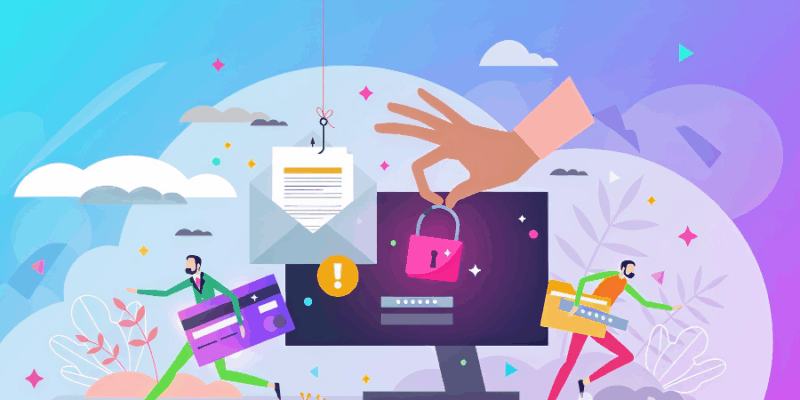
Data safety has become one of the habits people overlook. This explains the continuous rise of cyberattacks and personal information theft.
A July 2025 report by Surfshark revealed that Nigeria has recorded 23 million email account breaches since 2004, accounting for 0.1% of total global breaches of 23 billion. This highlights widespread vulnerabilities and how cybercriminals have upgraded through the years.
With the guidance of Mukaila Temitope Olajumoke, a cybersecurity practitioner, this article explores seven habits that compromise your personal and data safety online. It also contains tips on how to avoid being a victim.

1. Weak passwords
Using weak passwords exposes individuals and compromises data security. By choosing convenience over security, you easily fall victim to hackers who can easily follow the popular trend of password usage and guess your password.
Temitope mentioned that internet users often use phone numbers as passwords. Some use the same password for all their social media accounts.
“Most people are not really exposed to how to protect their passwords online, and they are at the biggest risk. They are the kind of people that hackers penetrate seamlessly, with no stress,” she added.
Data safety tips:
- Don’t use phone numbers or DoB as passwords. Use passphrases (e.g. IL0vNig3riA), 2-factor authentication, and a passkey.
- Use passwords that contain a combination of uppercase and lowercase letters, numbers and a special character.
- Use different passwords for different accounts. A password manager will help here.
Also Read: Here are the top 10 most-used passwords in the world in 2025.
2. Clicking links carelessly (phishing)
Hackers now use phishing to exploit people’s data. This is most common on WhatsApp. This happens when you click on a link to cloned websites of familiar brands, and they ask you to sign in with your username and password. When you do, the details are automatically collected.
Others may require you to supply sensitive information before accessing another page, or you may be redirected to a page that requires you to connect your Gmail/Google account.
The cybersecurity expert noted that another tactic that hackers employ is to send an email with a receipt for a product you never ordered. The attached receipt file will have a link to access it online. Clicking will require you to supply your details.
Data safety tips:
- Verify a link before clicking, especially when it looks suspicious.
- If you don’t order a product, don’t click on the receipt.

3. Over-sharing personal information online
Sharing too much personal information online puts your data safety at risk. Sensitive information such as date of birth, National Identification Number (NIN), Bank Verification Number (BVN), Identification Cards, full name, live location, and pictures should not be disclosed online.
Some internet users share their information with unverified or untrustworthy websites. According to Temitope, this gives hackers the ability to easily extract information from weak websites, which is sufficient for impersonation.
In addition, hackers can easily conduct a random search online and gather your information that is scattered across the internet.
Data safety tips:
- Be intentional about who you share your sensitive information with and where you share it.
- Be cautious of platforms that require you to supply your personal details.
4. Ignoring software updates
When you’re notified about a software update, it means that the current version is no longer trusted. On the other hand, the notification can indicate that someone is attempting to gain unauthorised access and is compromising your data safety.
Sadly, many people ignore software updates. “They’ll be like, I’m busy on my phone. That means someone is trying to compromise your system. Someone is trying to gain access to your file. That is why that prompt is coming up,” Temitope said.
Data safety tips:
- Regular update of applications.
- When an operating system or application update pops up, take action immediately before you forget.

Also Read: US-based Nigerian cybersecurity expert raises alarm over AI-powered cyber threats.
5. Ignoring multi-factor authentication warnings (MFA)
MFA is a security method that requires you to provide two or more different verification factors to gain access to your account or application. When your account suddenly prompts MFA or you get logged out to reconfirm your login details, it means someone is trying to gain unauthorised access to your account/application.
Applications such as Gmail send an identity confirmation when they spot unauthorised access to your account. If it’s not you, that’s a sign that your information or account is under threat.
Data safety tips:
- Enable MFA if you haven’t already.
- Don’t log in to your account on a third party’s device.
- When you receive an identity check review, change your password to another strong one immediately.
6. Exposure to SIM hijacking
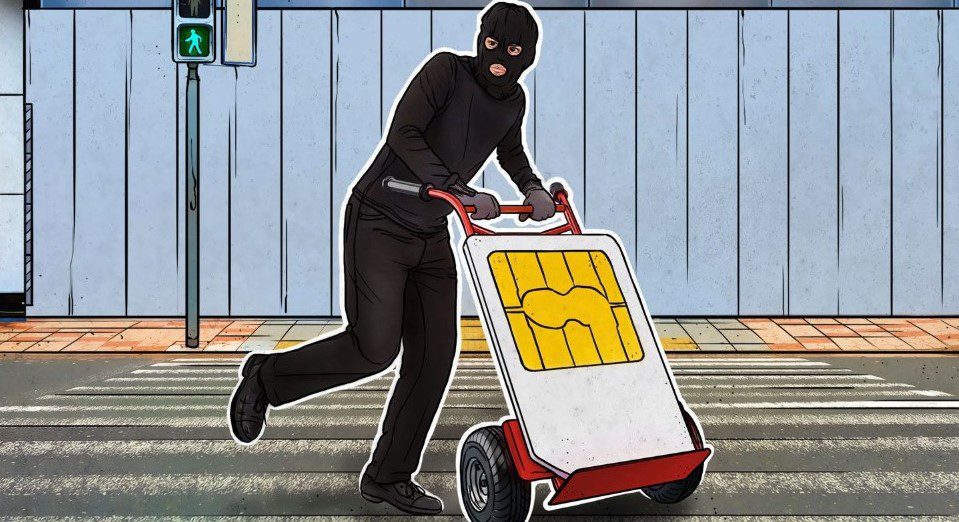
Primarily, SIM swapping/hijacking is an advanced method used by hackers to take control of your personal information. This identity theft is accomplished through social engineering or by exploiting information available on the dark web.
While there are technicalities involved, you can contribute to a hacker’s success too. When you easily share your personal information online, a hacker can use this to hijack your SIM, extract other critical information, and gain control of your financial accounts.
Hijackers will pose as you, then contact your mobile service provider and use the gathered information to convince a customer service representative to transfer the phone number to a new SIM card under their control.
These criminals use the personal information collected to pass KYC and other verification processes.
Data safety tips:
- Don’t leave too much sensitive information on the web.
- When you suspect a SIM swap, report to the appropriate authorities.
7. Using a public Wi-Fi
Using public Wi-Fi compromises your data safety as these networks are often unsecured and unencrypted. This allows cybercriminals to intercept and monitor the data you send easily.
Attackers can exploit vulnerabilities in the public network and position themselves between your device and the Wi-Fi hotspot’s internet connection to inject malware, spyware, or ransomware into your device. With this, they gain unauthorised access to your file and extract sensitive data.
Data safety tips:
- Use a VPN
- Avoid sensitive transactions on public Wi-Fi
- Disable auto-connect and file-sharing features.

The above habits are not all. There are other habits, such as using compromised applications. But while hackers are always looking for new ways to steal your data, you should attend cybersecurity classes to stay updated.
Also Read: Nigeria has suffered 23 million email account breaches since 2004 – report.